If you run a web agency (which I did for a number of years), and hire contract workers, then you know how important it is to log billable work. Your clients aren't going to buy "20 hours I think?" through a poorly worded Slack message.
They want to see where those 20 hours went. And that typically means, hunting down emails, Slack messages, PR's and random scribbled notes.
Employee monitoring software typically gets a bad rep due to privacy concerns. But done well, it gives you signals such as hours worked and time on apps uses without overwhelming your developers.
Done badly, it can give employees the feeling that they are in a secure SCIF. People need visibility without building a surveillance state.
I looked at five tools that show up constantly in this conversation for distributed teams, agencies, and startups and broke down my top picks below.
1. Modge - one agent, hours + classification + attendance
Site: modge.com · Pricing
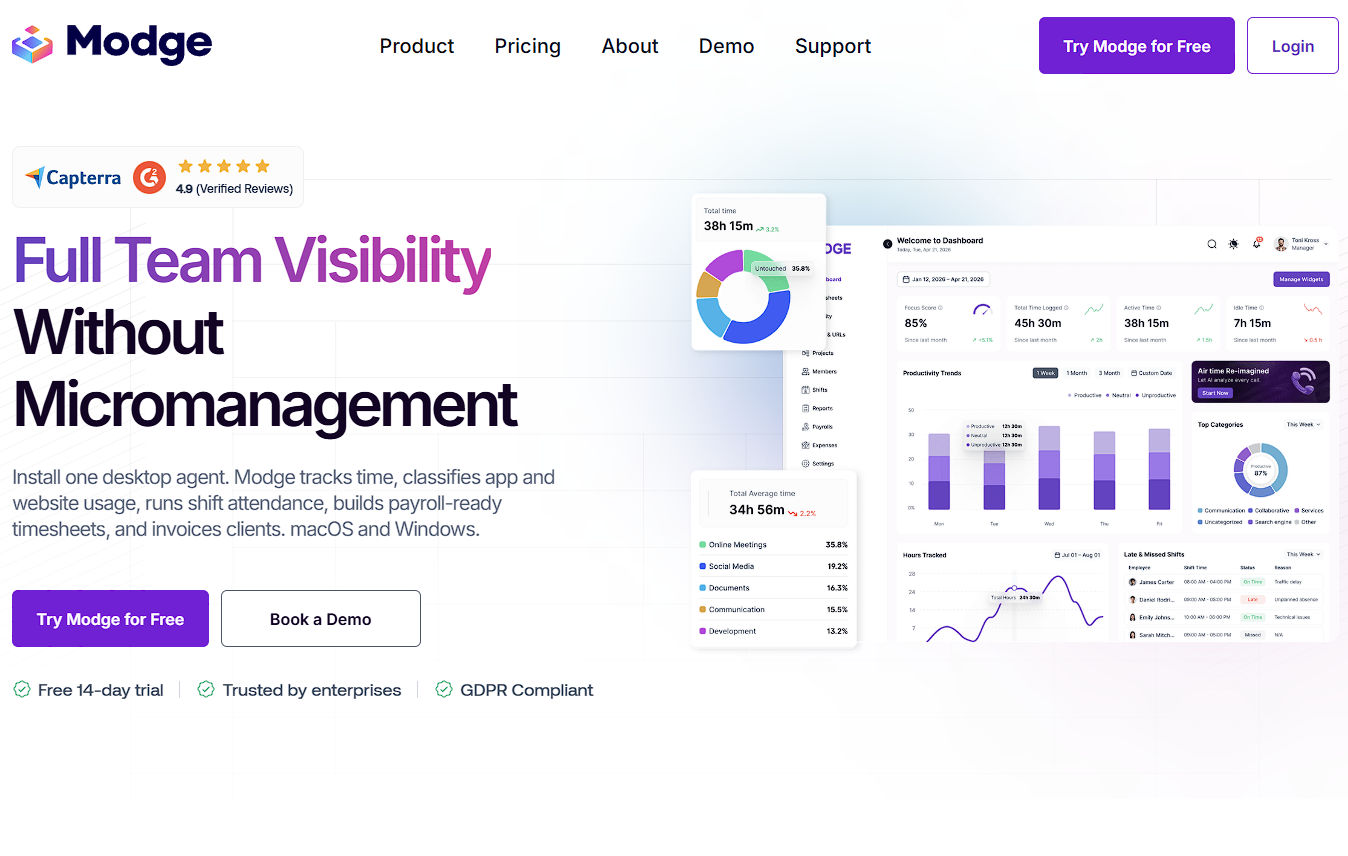
Modge is an employee monitoring and workforce management platform built around giving managers visibility into how work is getting done without requiring them to constantly check in with employees.
Alongside activity monitoring, it includes time tracking, scheduling, attendance, timesheets, payroll reporting, and project profitability tools.
Top features include:
Productivity Dashboard: Modge brings productivity scores, tracked hours, active and idle time, app usage, attendance, and recent activity into a single dashboard. Managers can switch between different date ranges without having to piece together reports from several screens.
App and website tracking: The desktop agent records which applications and websites employees use during work sessions. Activity can be categorized as productive, neutral, or unproductive, and those classifications can be adjusted based on an employee's role. For example, an application that is considered productive for a designer doesn't necessarily need to be treated the same way for another department.
Real-time activity monitoring: Managers can see which employees are currently working, the project they're working on, the applications they're using, and whether their current session is active or idle. This can be particularly useful for distributed teams operating across different time zones.
Activity timelines: Each employee's workday can be viewed as a timeline showing productive, neutral, unproductive, and idle periods. Managers can drill into individual sections to see which application was being used, how long the activity lasted, and which project it was associated with.
Automatic time tracking: Modge's desktop agent automatically records the start and end of work sessions, project information, duration, and active applications. This removes the need for employees to continually start and stop manual timers.
Timesheets and approvals: Recorded sessions automatically populate weekly or biweekly timesheets. Employees can submit them for review, while managers can approve entire pay periods or reject individual entries with comments.
Shift scheduling and attendance: Managers can create recurring or one-off shifts and assign them to individual employees or entire teams. Modge then compares actual tracked activity with the scheduled shift to determine whether someone was on time, late, or absent based on configurable grace periods.
Idle and suspicious activity detection: Modge can flag extended idle periods, unusually frequent application switching, mouse-jiggler patterns, scripted activity, and work sessions occurring at unexpected hours. These signals give managers something concrete to investigate rather than relying entirely on total hours worked.
Burnout indicators: The platform also looks for patterns such as unusually long work streaks, sustained productivity without breaks, and extended periods without leave. These signals are surfaced to managers as potential workload or burnout risks.
Why Modge stands out: The biggest differentiator is how much of the workforce workflow sits behind the monitoring layer.
Modge isn't only showing whether someone was active during the day; that same activity data can feed attendance, scheduling, timesheets, payroll reporting, client billing, and profitability calculations.
Its approach to screenshots is also comparatively flexible, since businesses can disable them entirely, enable them only for certain employees, or blur captured images.
Pricing: Modge offers a 14-day free trial. Its paid plans are priced per user, with multiple tiers available depending on the monitoring, workforce management, and reporting features required.
Who it's for: Modge is particularly well suited to remote and hybrid businesses, agencies and BPOs, SaaS and technology teams, operations and HR departments, and larger companies managing multiple teams.
Agencies and outsourcing businesses may get especially strong value from the combination of proof-of-work monitoring, client billing, scheduling, and project profitability reporting.
2. Hubstaff
Site: hubstaff.com
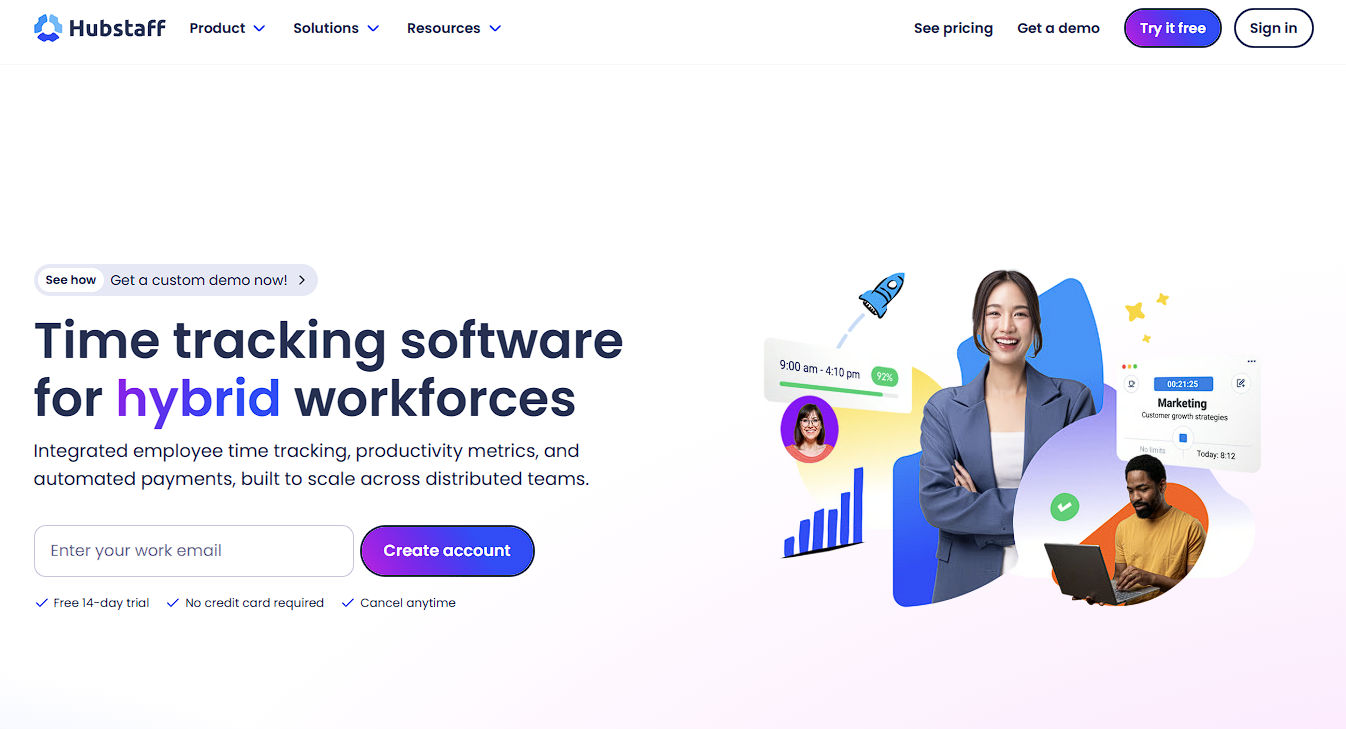
Hubstaff is the "we've been doing this forever" option in a lot of agency and contractor stacks.
Time tracking, activity levels, optional screenshots, app & URL tracking, timesheets, and a strong payroll / payments / client-project story.
There's real developer- and agency-facing messaging around proof of work and billing.
Pros
- Solid time + activity + optional screenshots stack for billable work.
- App & URL tracking (plan-dependent) when you need to see where the hours went.
- Strong for agencies: timesheets, payments, scheduling/attendance on higher plans, client projects.
- Mature product — integrations and workflows people already know.
Pricing (from Hubstaff's own pricing guide): Starter around $7/user/month monthly or $4.99/user annual; higher tiers add app/URL, payments, scheduling. Confirm live on hubstaff.com/pricing before you budget — plans move.
Limitation: Feature depth is spread across tiers. App & URL and richer workforce bits aren't all on the cheapest plan. If you need attendance + payroll + deep monitoring day one, you're shopping mid/upper plans.
Who it's for: agencies, client-services shops, and teams that live in billable hours and invoicing.
3. ActivTrak
Site: activtrak.com
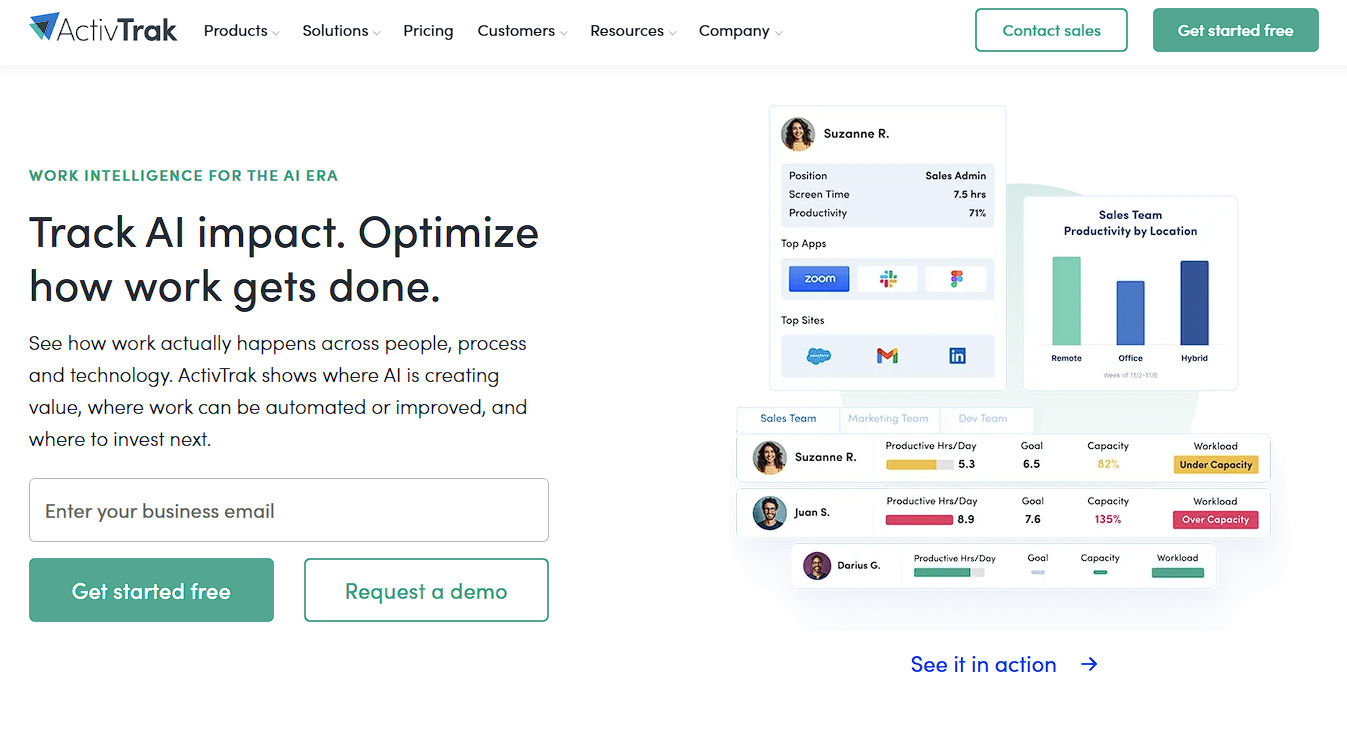
ActivTrak leans harder into workforce analytics and work patterns than classic "watch the screen" monitoring.
Their own framing is privacy-first work intelligence: how work gets done across apps and workflows, utilization, focus, with screenshots and heavier personal detail treated as optional / alarm-triggered rather than the default product story.
Pros
- Behavior and productivity patterns instead of pure surveillance theater.
- Automatic time tracking, real-time visibility, break/attendance-style workforce views (plan-dependent).
- Privacy positioning that matches teams allergic to always-on screenshot culture.
- Better fit when leadership wants insights, not a daily screenshot gallery.
Pricing (from their pricing page): paid plans I've seen start around $10 per worker / month billed annually, with higher bundles above that. Check activtrak.com/pricing for current numbers.
Limitation: It's more analytics platform than agency payroll/timesheet machine.
If your main pain is "approve timesheets and pay contractors," Hubstaff or Modge's timesheet path may be a tighter fit.
Who it's for: mid-size and up teams optimizing how work happens, not just proving billable hours.
4. Time Doctor
Site: timedoctor.com
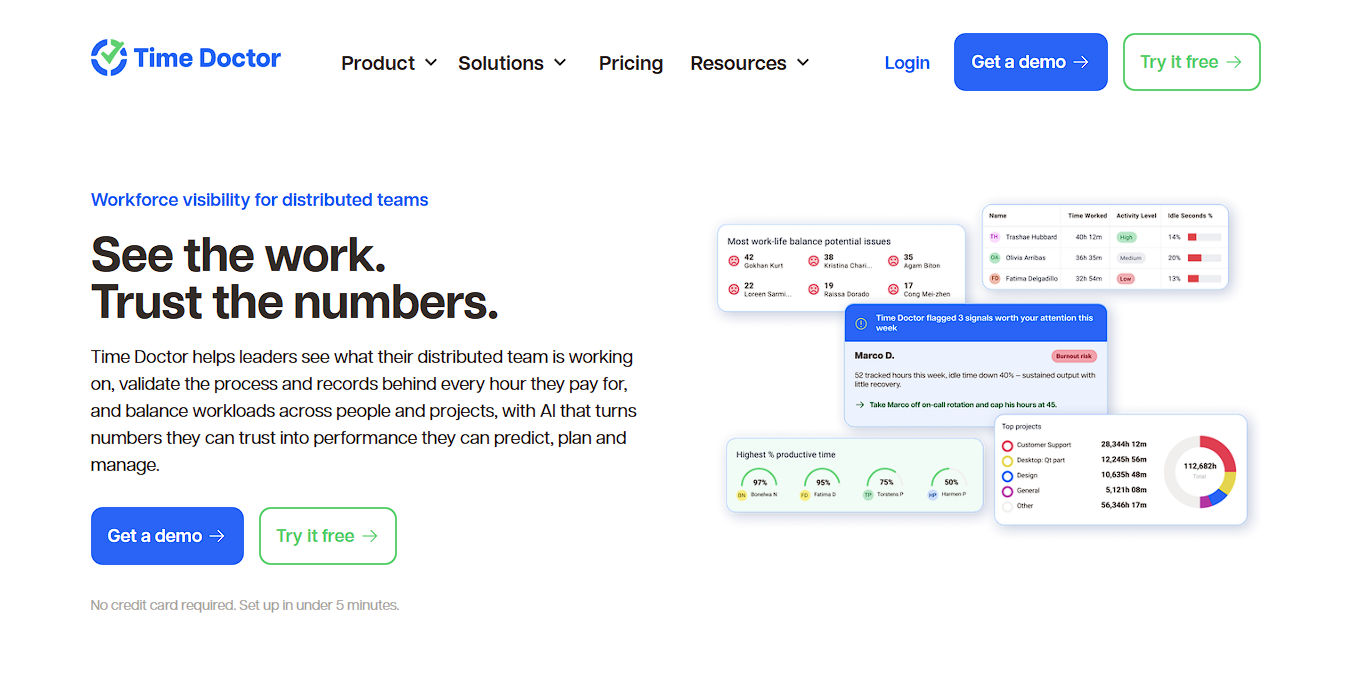
Time Doctor is the other name that always shows up next to Hubstaff in "remote monitoring" comparisons.
Time tracking across projects, web & app usage, idle/activity, optional screenshots, and distraction / reminder alerts that nudge people when focus slips.
Pros
- Clear employee visibility stack: time, apps/sites, idle, optional screenshots.
- Distraction and reminder alerts — friendly pop-ups to refocus.
- Familiar comparison set for remote and hybrid ops.
- Configurable privacy guardrails around screenshots and tracking permissions.
Pricing (from Time Doctor support docs): Basic around $8/user/month month-to-month, or roughly $6.67/user/month annual; Standard and Premium higher. Confirm on timedoctor.com/pricing.
Limitation: The distraction-alert / classic monitoring vibe can feel heavier than analytics-first tools. Some teams want that. Some will bounce hard. Be honest with your culture before you buy the nudge.
Who it's for: remote teams that want traditional monitoring plus a push when people drift into distraction sites.
5. Insightful
Site: insightful.io
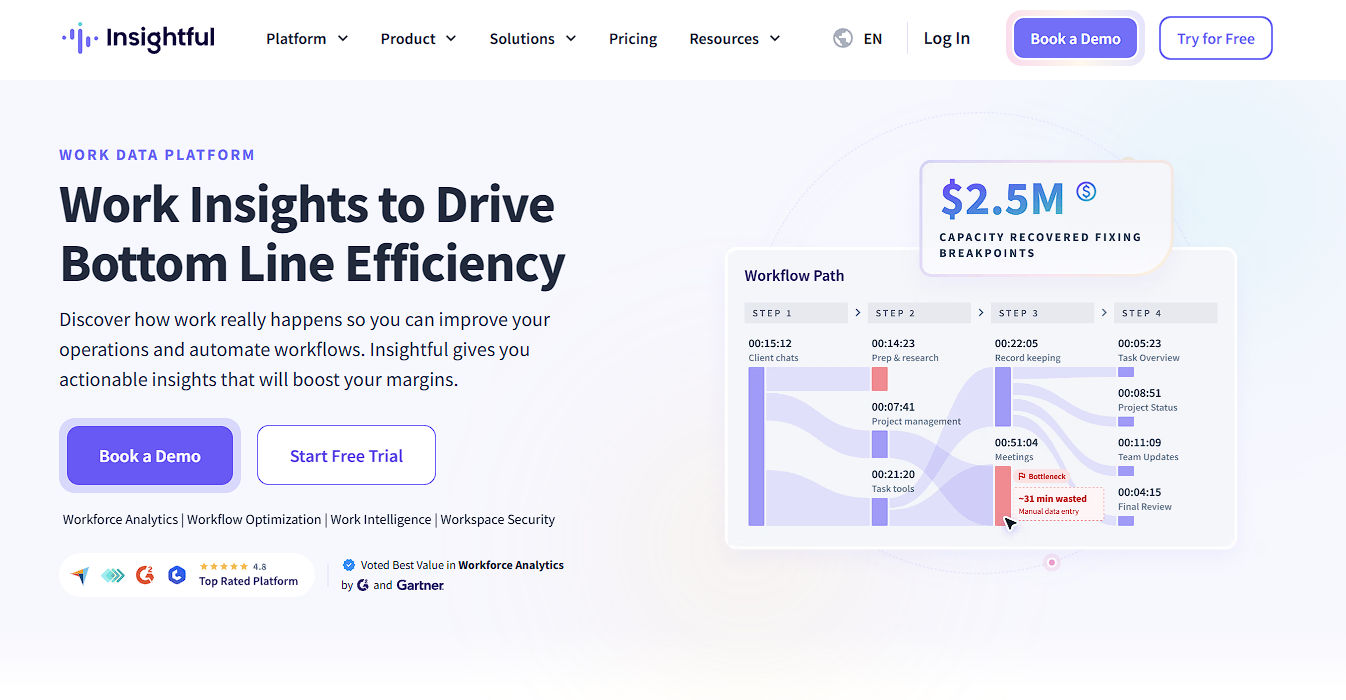
Insightful sits between classic screenshot monitoring and ActivTrak-style analytics.
Their pitch is work intelligence: real-time overview of how time is spent, app and website usage, capacity analysis, and optional screenshots, aimed at COOs/ops leads who want productivity data without standing up a full DLP suite.
Pros
- Real-time overview + capacity analysis — who's working, where time goes, where capacity is thin.
- App and website usage as a first-class signal, not an afterthought tier.
- Screenshots available (including on-demand add-ons); framing is productivity visibility more than continuous screen recording.
- Strong "distributed / contractor-scale" positioning on their own site — useful if you're managing a large remote bench.
Pricing (from their pricing page): Workforce Analytics around $8 per seat / month billed annually; higher tiers (Beta / Save bundles) around $12–$16/seat annual depending on the package. On-demand screenshots and screen recording show up as add-ons on some plans. Confirm live on insightful.io/pricing — numbers move.
Limitation: You're buying an analytics/ops platform, not a slim agency timer.
If all you need is punch-in + invoice Hubstaff-style, this can feel like more dashboard than payroll workflow.
Who it's for: ops and leadership teams that want structured visibility into remote/hybrid work patterns at a mid-market price point.
Quick compare
|
Install model |
Screenshots |
App/URL or AI classification |
Attendance / shifts |
Payroll / timesheets |
Best for |
From (verify live) |
| Modge |
One desktop agent (macOS/Windows) |
Optional, off by default |
AI productive/neutral/unproductive |
Yes — attendance + adherence |
Payroll-ready timesheets |
Distributed teams wanting one agent for hours + ops |
$5/seat/mo |
| Hubstaff |
Desktop / mobile trackers |
Optional (plan limits) |
App & URL (higher plans) |
Scheduling/attendance on higher plans |
Strong timesheets + payments |
Agencies & billable client work |
~$5–7/user |
| ActivTrak |
Agent + analytics platform |
Optional / alarm-oriented |
Work activity & productivity analytics |
Workforce / adherence views |
Less agency-payroll focused |
Pattern & productivity analytics |
~$10/worker/mo annual |
| Time Doctor |
Desktop / web tracking |
Optional screenshots / screencasts |
Web & app usage |
Time & attendance monitoring |
Timesheets in the stack |
Classic remote monitoring + alerts |
~$7–8/user |
| Insightful |
Desktop agent + analytics |
Optional / on-demand add-ons |
App & website usage |
Capacity / workforce views |
Projects, billable hours, invoicing framing |
Ops-minded work intelligence |
~$8/seat annual |
Prices move. Always re-check the vendor's pricing page before you commit.
Privacy and consent
Tell the team what's tracked, what's optional (screenshots), and why you're using it before you flip agents on.
Local labor and privacy rules vary by country and state; this isn't legal advice. Transparency beats surprise monitoring every time, and most contract workers will appreciate it.